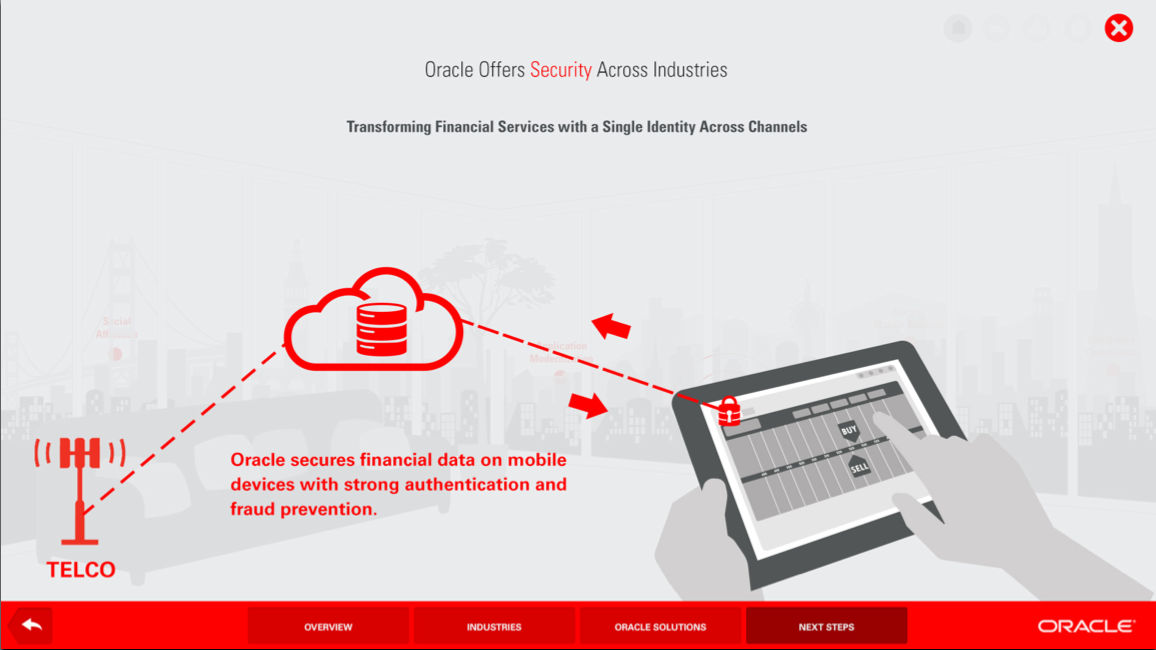
This screen reveals the “selected” state: the user has touched the red lock icon visible on the tablet in the foreground of the image prompting this overlay to appear. The infographic depicts what’s happening behind the scenes to allow this financial transaction to be secure: the data passes from the tablet to the cloud where it is securely stored, processed and retransmitted to the tablet through the security of the telco tower.
 Sarah McCarthy Design